Shopify Collaborator Access for Agencies
How collaborator access works
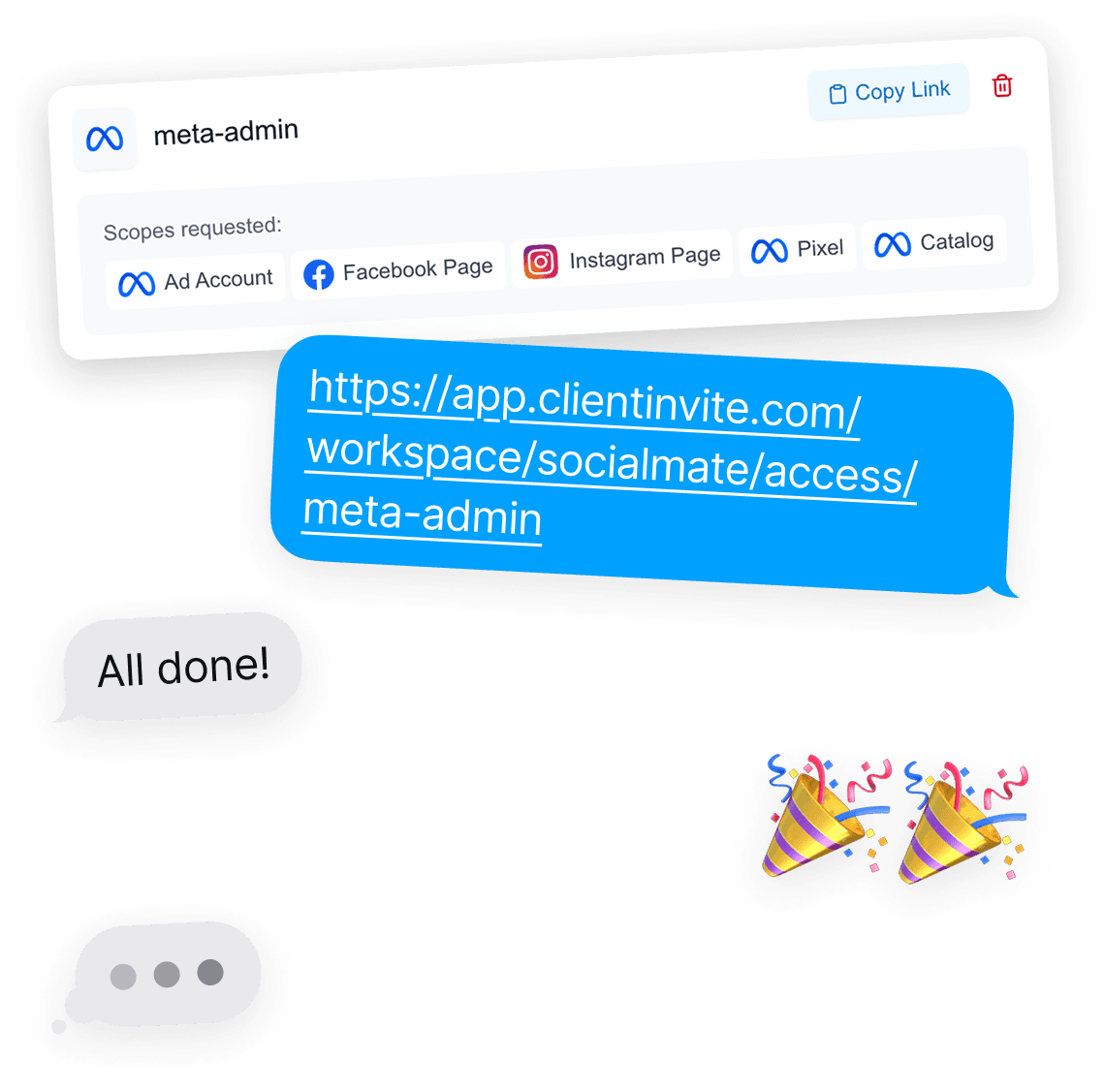
Shopify built collaborator accounts for an outside agency or freelancer working inside a client’s store. You request access from your Partner Dashboard with the store URL and the client’s collaborator request code, and the owner approves it.
A collaborator does not take up one of the store’s staff seats, and the owner chooses which permissions you get.
Where the request usually stalls
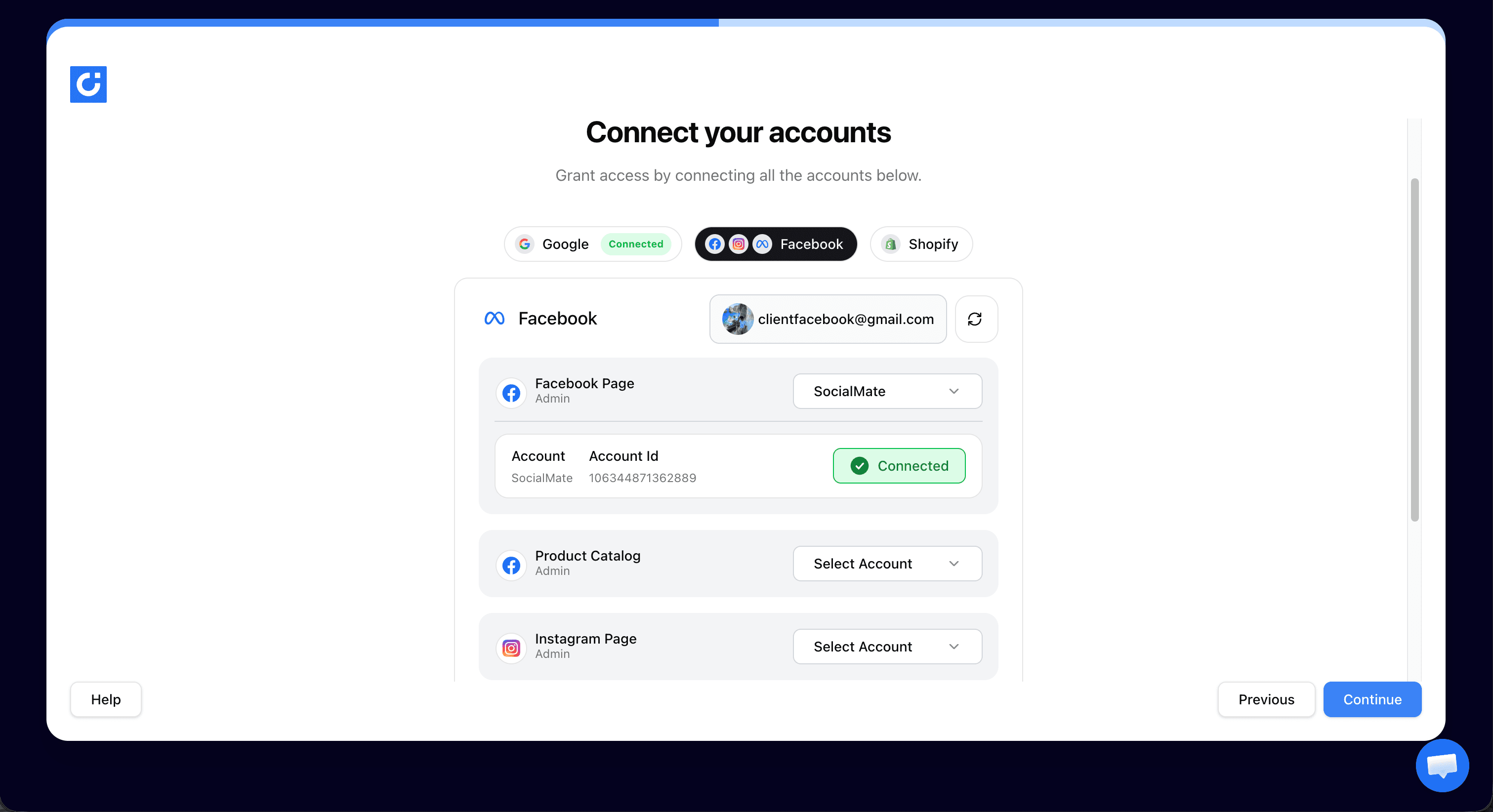
The code. The client has to find it, copy it correctly and send it with the exact store URL. A wrong digit or a typo in the URL means the request fails and the thread starts again.
The link does that step for them. They are shown where the code is, paste it in, and you get a clean record of both.
One request for the whole store stack
Shopify agencies rarely need the store alone. The Meta ad account, product catalog, Google Merchant Center and Google Analytics usually arrive in the same kickoff.
Add the store, the ad account, the catalog and Analytics to the same link, and the client approves each one in turn instead of fielding separate requests from different people. Merchant Center isn’t in the link yet, so the client adds you from its own settings.
Priced for a growing store list
Unlimited client connections cost $89/month. If you onboard a store now and then, the Solo plan at $14.99/month covers one connection a month.
Every plan starts with a free trial and no card, so you can send the first Shopify request before deciding.
Shopify collaborator access for agencies: common questions
Yes. Collaborator access is requested from the Partner Dashboard, so the agency needs a Partner account. It is free to create and is the standard setup for managing more than one client store.
Open the link, follow the prompts to Settings and Users and permissions, and paste in their collaborator request code and store URL. ClientInvite stores both so you can submit the request without more back-and-forth. The owner then approves it in their admin.
Yes, at any time, from Settings, Users and permissions, Collaborators in their Shopify admin. Nothing is shared that they cannot take back.
The guide walks through the collaborator request step by step. This page covers how agencies onboarding several stores use ClientInvite to run that request through one link, together with the other accounts the engagement needs.
Step-by-step guide: How to get collaborator access to a Shopify store.
More ways agencies use ClientInvite: Client onboarding for marketing agencies, Client onboarding for PPC agencies, Client onboarding for SEO agencies.
Send the collaborator request in one link
Unlimited client connections on the Agency plan. No credit card to start.
Start For FreeNo card required · Unlimited connections · Cancel anytime
Already a member? Log in