Meta Ads Account Access for Agencies
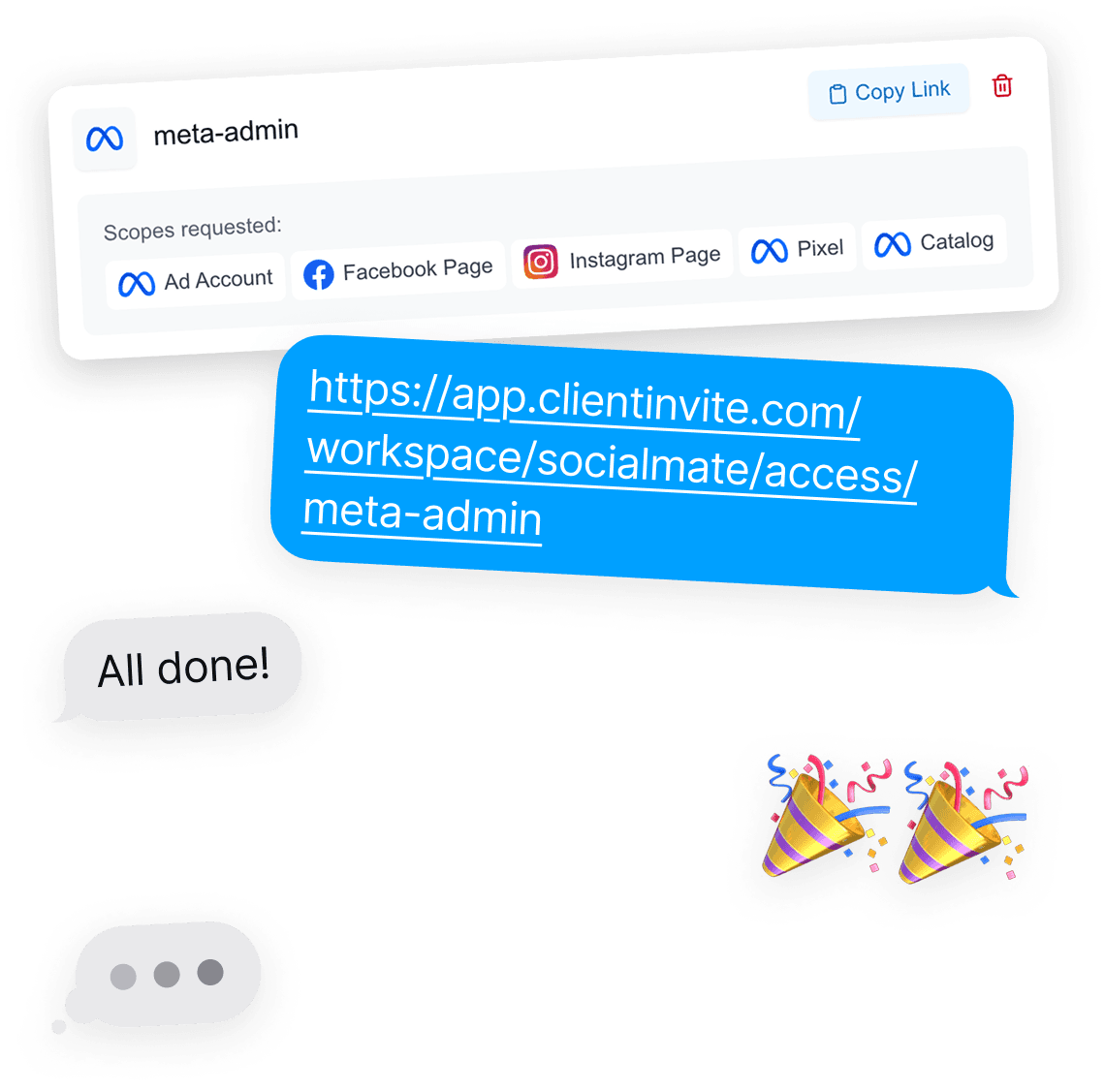
No more Business Manager ID hunt
Asking a client to locate their Business Manager ID is asking them to navigate a product they open twice a year. It is the single most common cause of a stalled Meta onboarding.
The link takes them straight to the approval screen instead.
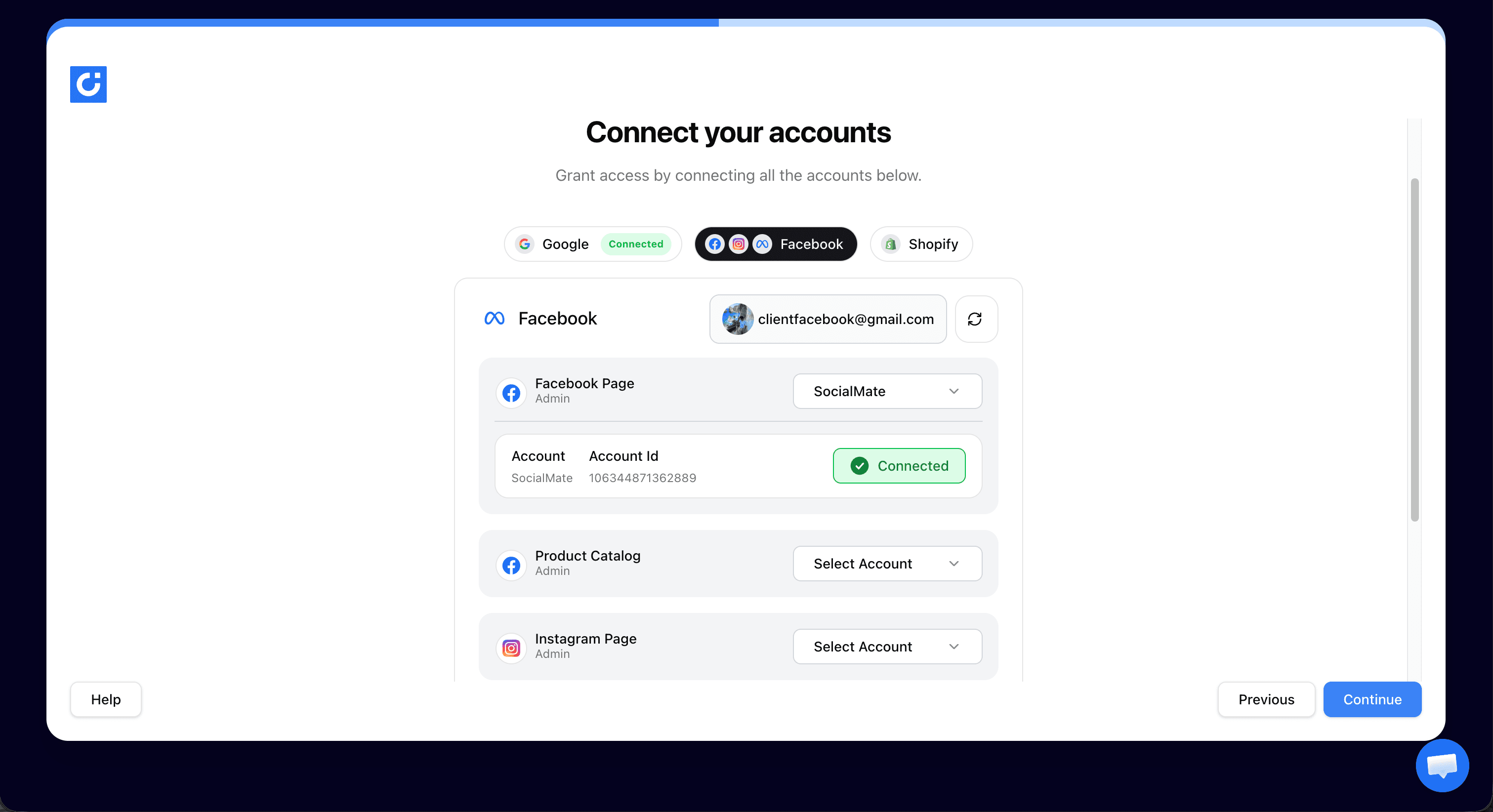
Partner access, not a seat on their account
Partner access keeps your agency assets separate from the client’s, which is the arrangement Meta designed for agencies and the one that survives staff changes on either side.
It also means you are not occupying a personal user seat that disappears when someone leaves.
Ask for what the campaign needs
Narrow requests get approved faster. A client is noticeably more willing to grant a specific set of assets than blanket admin over everything they own.
Choose the assets per request, and add more later without starting again.
Meta ads account access for agencies: common questions
The ad account, Facebook Page, Instagram account, pixel and product catalog. You choose which of them a given request covers, so you can ask only for what the campaign actually needs.
Partner access, which keeps your agency assets separate from the client’s. It is the arrangement Meta intends for agencies, and it survives staff changes on either side better than adding an individual as a user.
At any time, from their own Business Manager settings, without going through you. Scoped and revocable access is also why clients approve these requests more readily than a request for login details.
More ways agencies use ClientInvite: Client onboarding for marketing agencies, Client onboarding for PPC agencies, Client onboarding for SEO agencies.
Request the ad account in one link
Unlimited client connections on the Agency plan. No credit card to start.
Start For FreeNo card required · Unlimited connections · Cancel anytime
Already a member? Log in