Client Onboarding for Dental Marketing Agencies
Local search access comes first
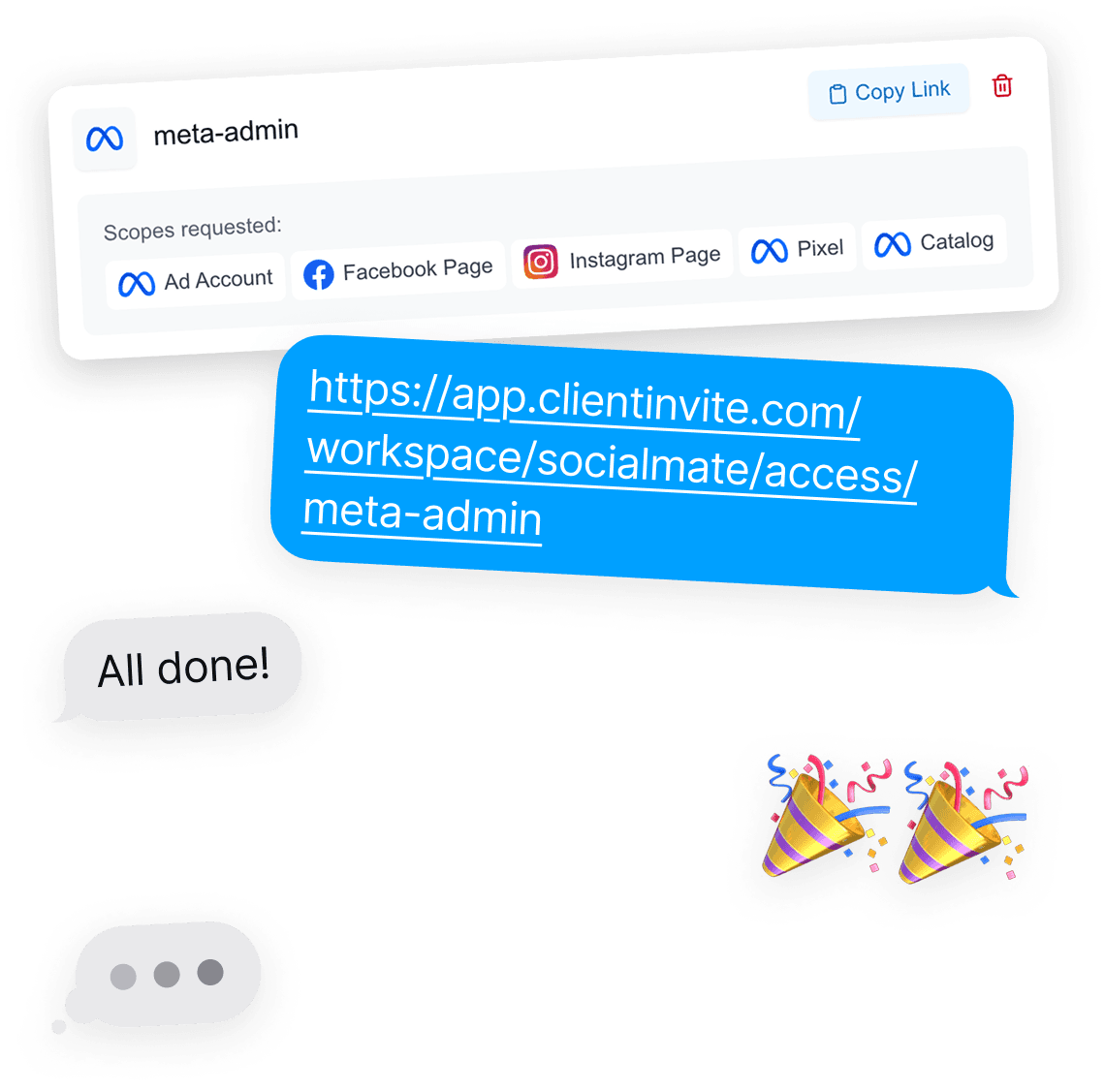
Most new patients find a practice through Maps and local search. That makes the Google Business Profile the first asset you need, and often the hardest to locate.
Add it to the same request as Google Ads and Analytics, so reviews, booking links and local campaigns can all be worked on from the first week.
Built for busy front desks
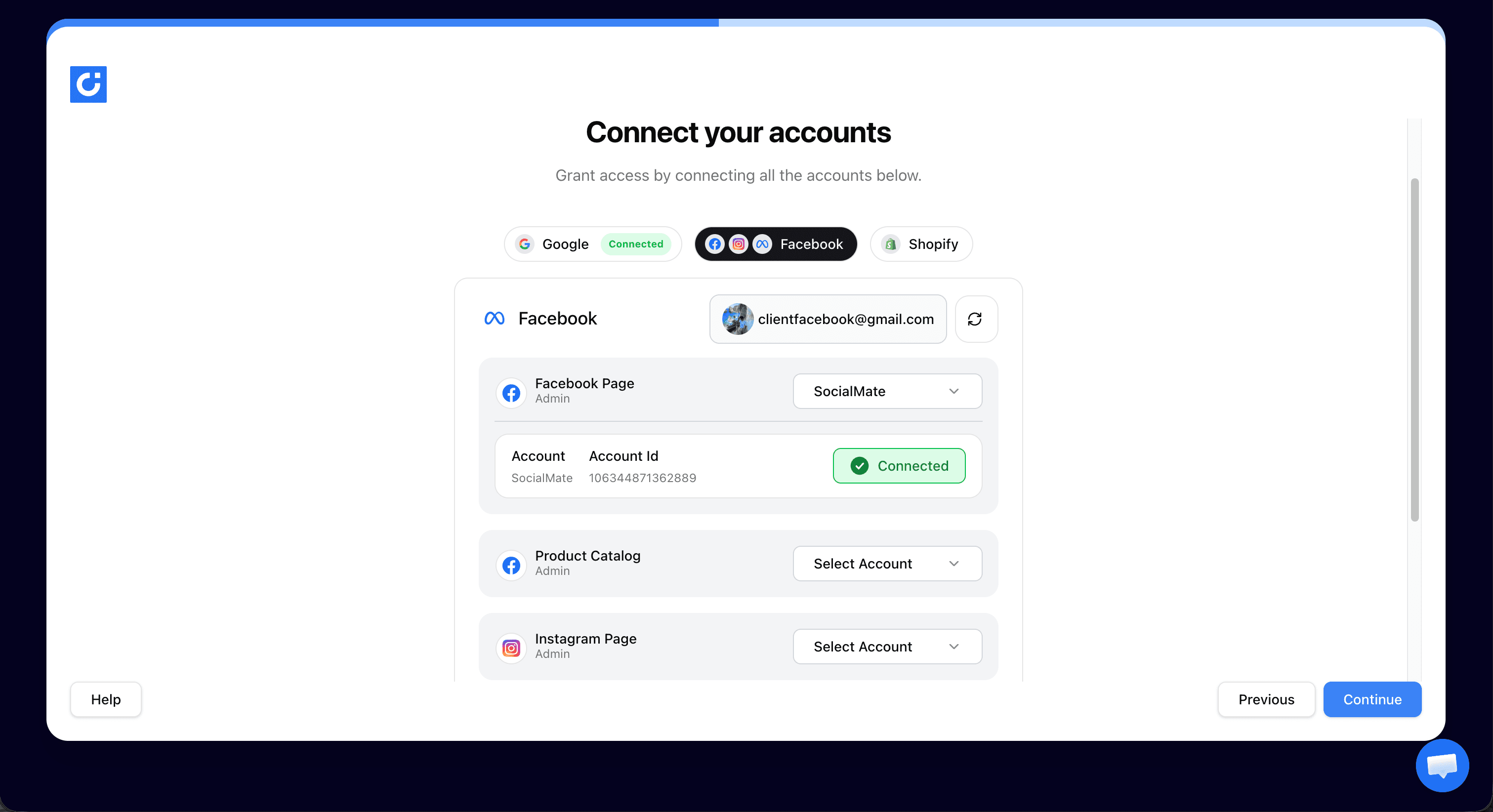
The person approving access is rarely technical, and rarely has time for a screen-share. The link opens on a phone, lists exactly what you asked for, and asks them to approve it.
There is no account to create and nothing to install on the practice’s side.
Your agency’s name on the request
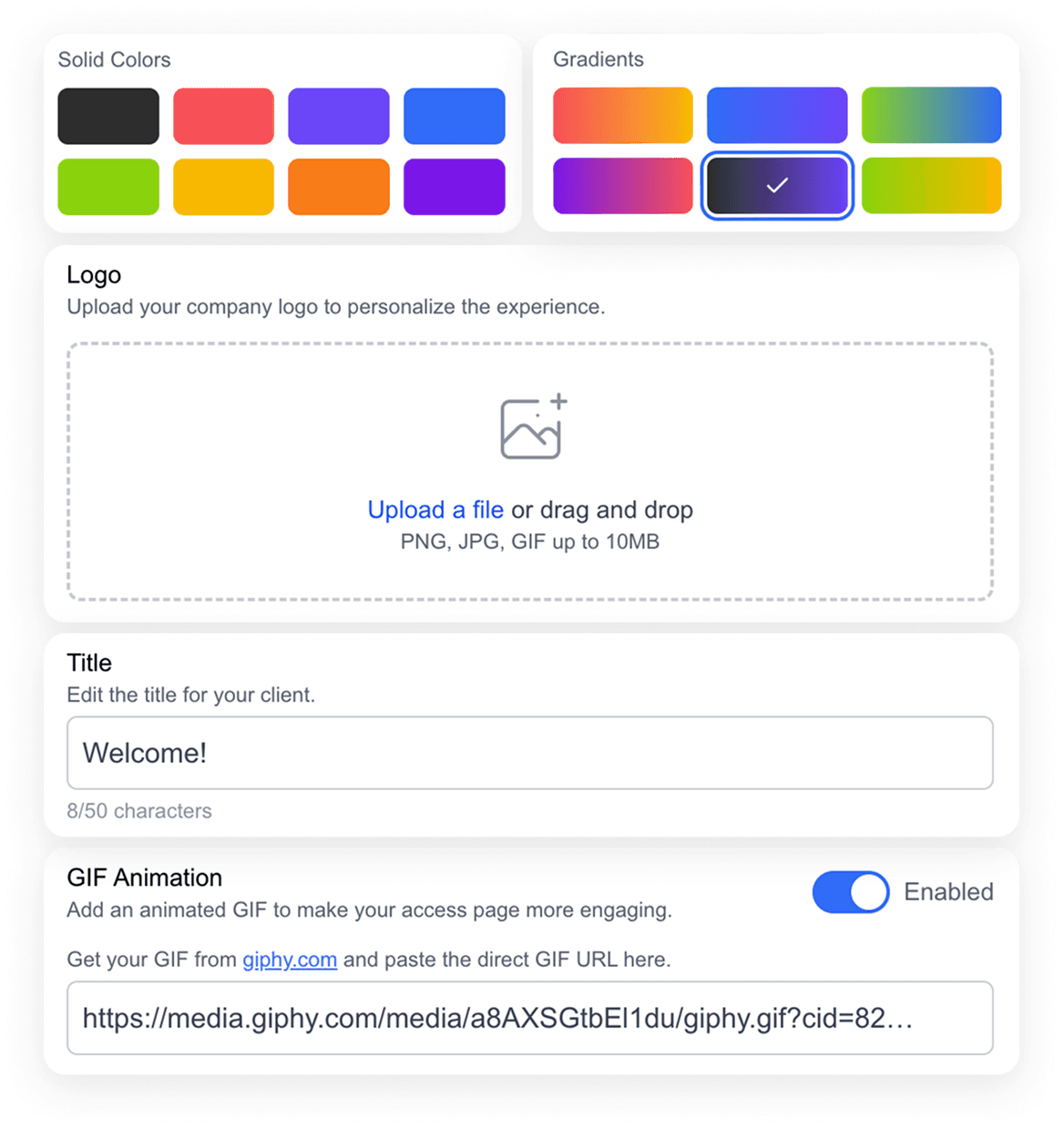
Practices are cautious about who gets into their accounts. The request page shows your logo and wording, so it matches the agency they just signed with rather than an unfamiliar tool.
Client onboarding for dental marketing agencies: common questions
No. Access is granted through each platform’s own permission flow. The practice logs in with its existing Google or Meta account and approves the permissions you requested.
Yes. Google Business Profile can sit in the same link as Google Ads, Analytics, Search Console, the Facebook Page and Instagram.
Plans start at $14.99/month for one connection and $29/month for three. The Agency plan is $89/month with unlimited connections, which suits agencies onboarding several practices a month.
Yes. The practice keeps ownership of every account and can revoke access from its own Google or Meta settings at any time.
More ways agencies use ClientInvite: Client onboarding for marketing agencies, Client onboarding for PPC agencies, Client onboarding for SEO agencies.
Send your next practice its access link
Unlimited client connections on the Agency plan. No credit card to start.
Start For FreeNo card required · Unlimited connections · Cancel anytime
Already a member? Log in